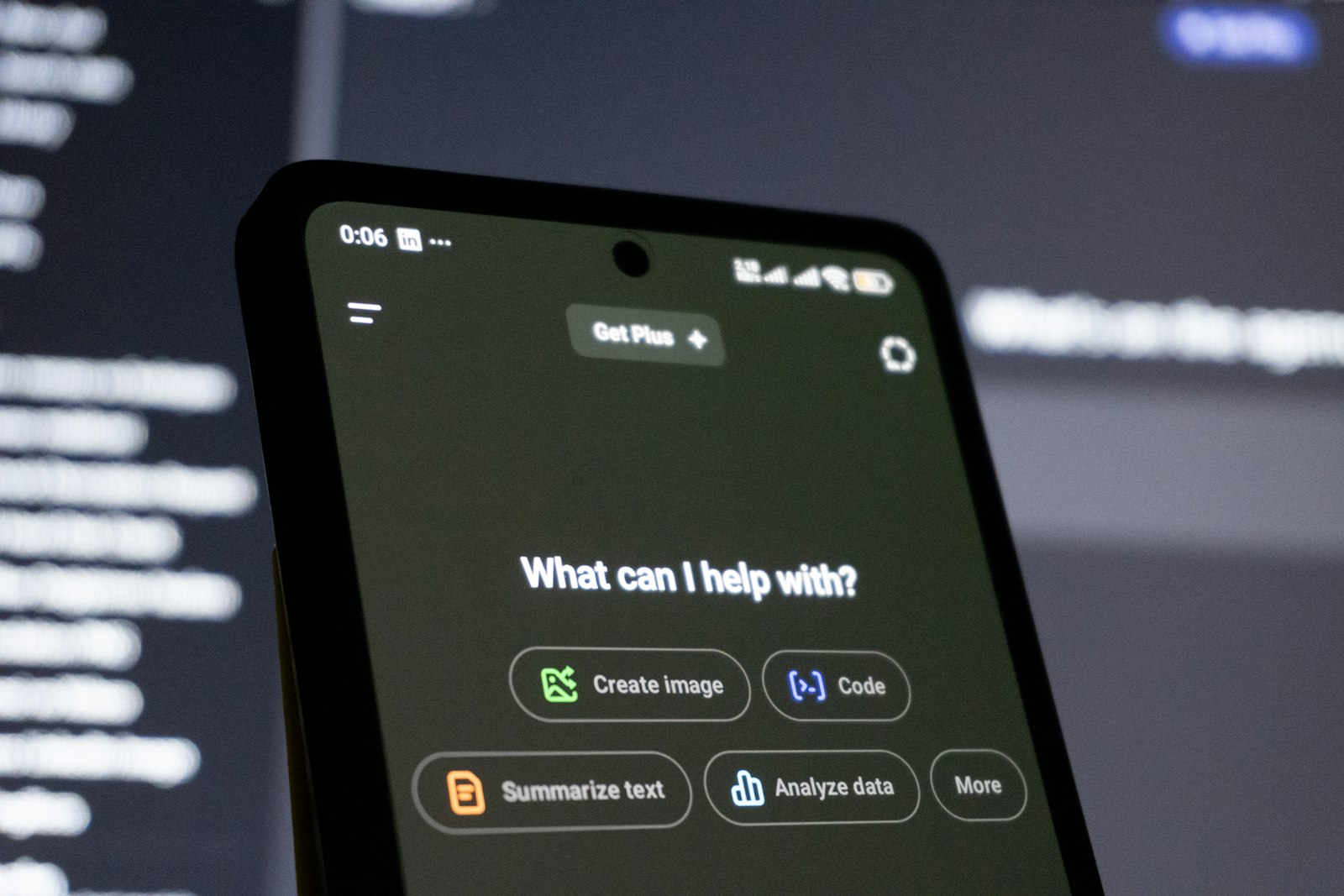
While most of the AI conversation in 2026 still orbits around ChatGPT, Claude, and Gemini, a fourth assistant has been quietly building a serious case for itself — and the latest 2.6 update makes it harder to ignore. Kimi, built by Moonshot AI, is now a fixture for anyone whose work involves large volumes of text, long documents, or codebases that don't fit neatly into the standard 100-200K token window.
This isn't a hype piece. Kimi has real strengths and real gaps, and we've spent enough time with the 2.6 release to give a balanced view of both.
What's actually new in 2.6
The 2.6 update is an iterative refinement of the K2 family, not a from-scratch rebuild. The headline improvements are sharper multi-step reasoning, faster long-context inference, and a more reliable agentic tool-use loop — meaning when you ask Kimi to browse, call an external tool, or chain several actions together, it now follows through more consistently than the 2.5 release did.
Practically, this shows up in three places. Long-document Q&A returns sources and section references more cleanly. Multi-file code reasoning holds onto earlier context further into a session before the model starts losing the thread. And structured workflows — "read this, summarise it, draft this, check it against that" — execute end-to-end more often without needing manual nudges.
The honest summary: 2.6 doesn't reinvent Kimi. It just makes the things it was already best at noticeably more dependable.
The killer feature is still the context window
Kimi's 1-million-plus token context window remains its single most differentiating capability. Most mainstream assistants top out around 200K tokens. Kimi can ingest entire annual reports, full litigation bundles, multi-hundred-page technical specifications, or sprawling codebases in a single conversation — and reason across all of it without chunking, summarisation hacks, or losing the thread halfway through.
If your workflow involves dropping a 300-page PDF in and asking nuanced questions about it, this is an entirely different tier of capability. Tools like Claude and ChatGPT can be made to handle large documents through retrieval-augmented setups, but those add complexity, cost, and points of failure. Kimi just reads the whole thing.
Where Kimi genuinely shines
Based on our hands-on testing across the 2.5 and 2.6 releases, Kimi is a clear top pick for:
Long-form document analysis. Contract review, research synthesis, due diligence packs, regulatory filings — anything where the source material is too big to fit elsewhere comfortably. Section-level citations also reduce the verification burden.
Codebase walk-throughs. Auditing a repository, planning a refactor across many files, or onboarding to an unfamiliar codebase. Kimi holds the structure of the code in mind further into the conversation than smaller-context competitors.
Research workflows. Combining literature review with structured note-taking and synthesis. The agentic improvements in 2.6 make multi-step research tasks more reliable.
Cost-sensitive evaluation. The free tier is unusually generous. You can do a serious month of evaluation on a real workload without committing to a subscription, which matters for procurement-conscious teams.
Where it falls short — honestly
Kimi isn't a Claude or ChatGPT replacement for everyone. Three real limitations to be aware of:
The ecosystem is smaller. If your workflow depends on a rich library of plugins, integrations, IDE extensions, or third-party connectors, Kimi's surrounding ecosystem is meaningfully thinner than the incumbents. ChatGPT's plugin store and Claude's MCP integrations are both broader and more battle-tested.
Documentation and community are still maturing. When you hit an edge case, the volume of community tutorials, Stack Overflow answers, and Reddit threads is much smaller than for the dominant incumbents. You'll do more first-principles troubleshooting.
Enterprise validation is earlier-stage. The big consultancies, audit firms, and procurement teams have well-worn playbooks for evaluating Anthropic and OpenAI. Kimi often requires more bespoke vendor diligence — which can slow adoption in regulated industries.
Who should actually be using Kimi 2.6
If you regularly work with documents that exceed 100K tokens, if your team does heavy research synthesis, or if you're frustrated by chunking workarounds to get long source material into existing assistants — Kimi 2.6 should be in your toolkit, full stop. The 1M+ context window is genuinely category-defining and the 2.6 reliability improvements make it production-viable for more workflows than before.
If you're a general user looking for one assistant for everyday tasks — drafting emails, brainstorming, coding help — Kimi is capable, but Claude or ChatGPT will probably feel more polished and better integrated with the tools you already use.
Verdict
Kimi 2.6 isn't trying to be the most popular AI assistant. It's trying to be the best one for a specific, high-value use case — and it's succeeding. The 2.6 update doesn't change the core proposition, but it makes the experience meaningfully more dependable and brings the agentic features closer to parity with the leaders.
For document-heavy work, this is the assistant to beat. For everything else, it's a strong second opinion worth keeping in the rotation.